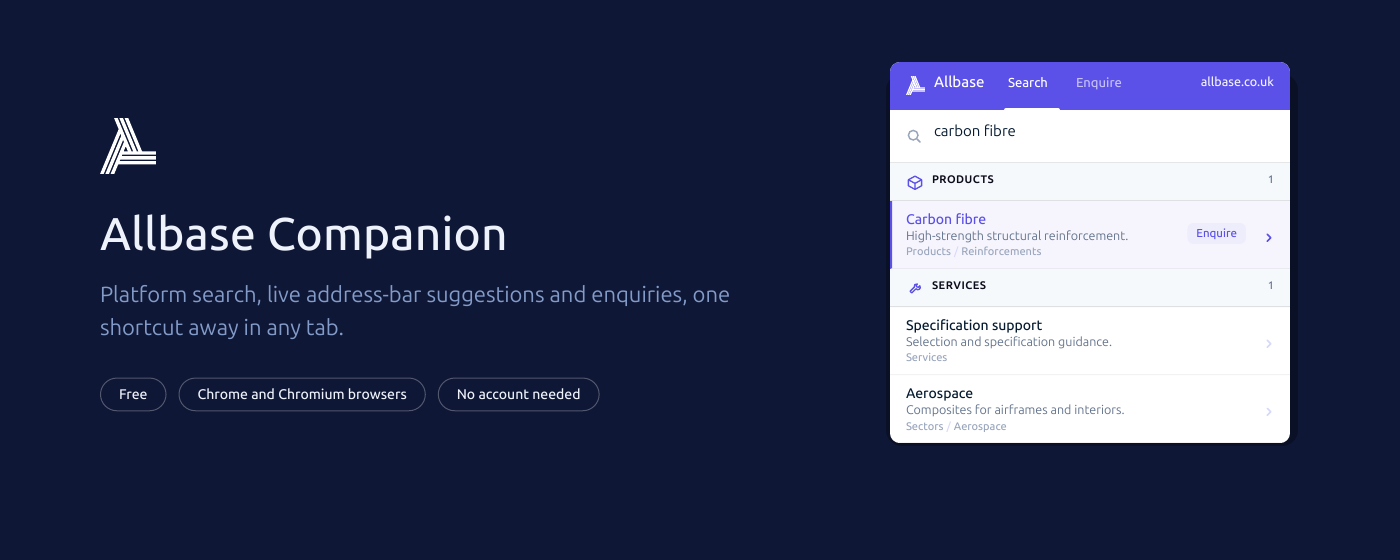
The Companion, a free browser extension for Chrome, is now available on the Chrome Web Store. It brings platform search into every tab, so a material can be checked without leaving the drawing, spec sheet or tender document already open on screen.
The problem it solves is a small one that happens many times a day. Someone reading a specification wants to confirm a resin system, check which sectors a reinforcement is used in, or find the guide covering an application detail. That normally means a new tab, a search, and a lost place in the document. The Companion removes those steps.
What it does
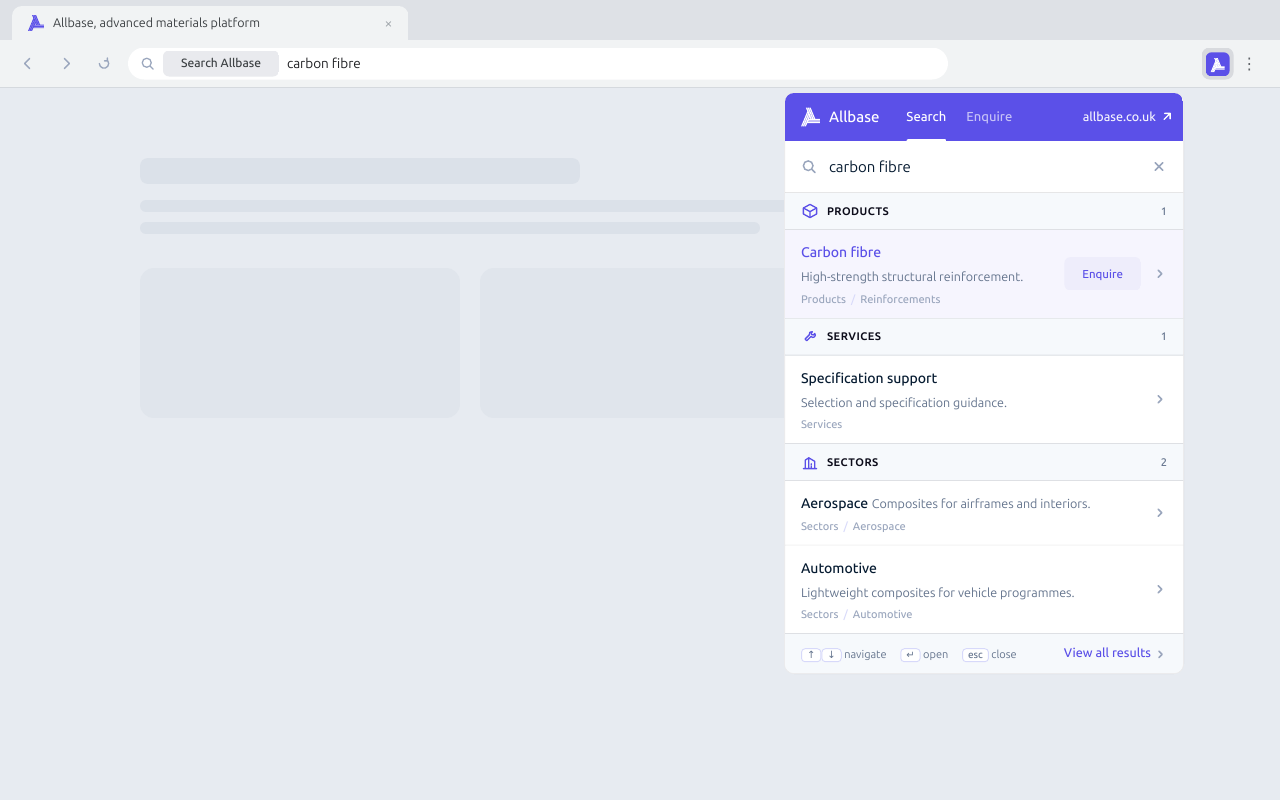
Selecting the toolbar icon, or pressing Alt+Shift+A, opens a search box that is already focused. Results appear as they are typed and arrive grouped into Products, Services, Sectors, Support and guides, and Guides & News, each one linking straight through to the page. Arrow keys move through the list and Enter opens the highlighted result in a new tab.
For anyone who prefers to stay on the keyboard, typing allbase in the address bar followed by Tab turns the address bar itself into a platform search, complete with live suggestions.
Questions go straight to a specialist
Search answers most questions, but not all of them. The Companion carries a built-in enquiry form, so a question can be sent to the technical team without opening the site at all.
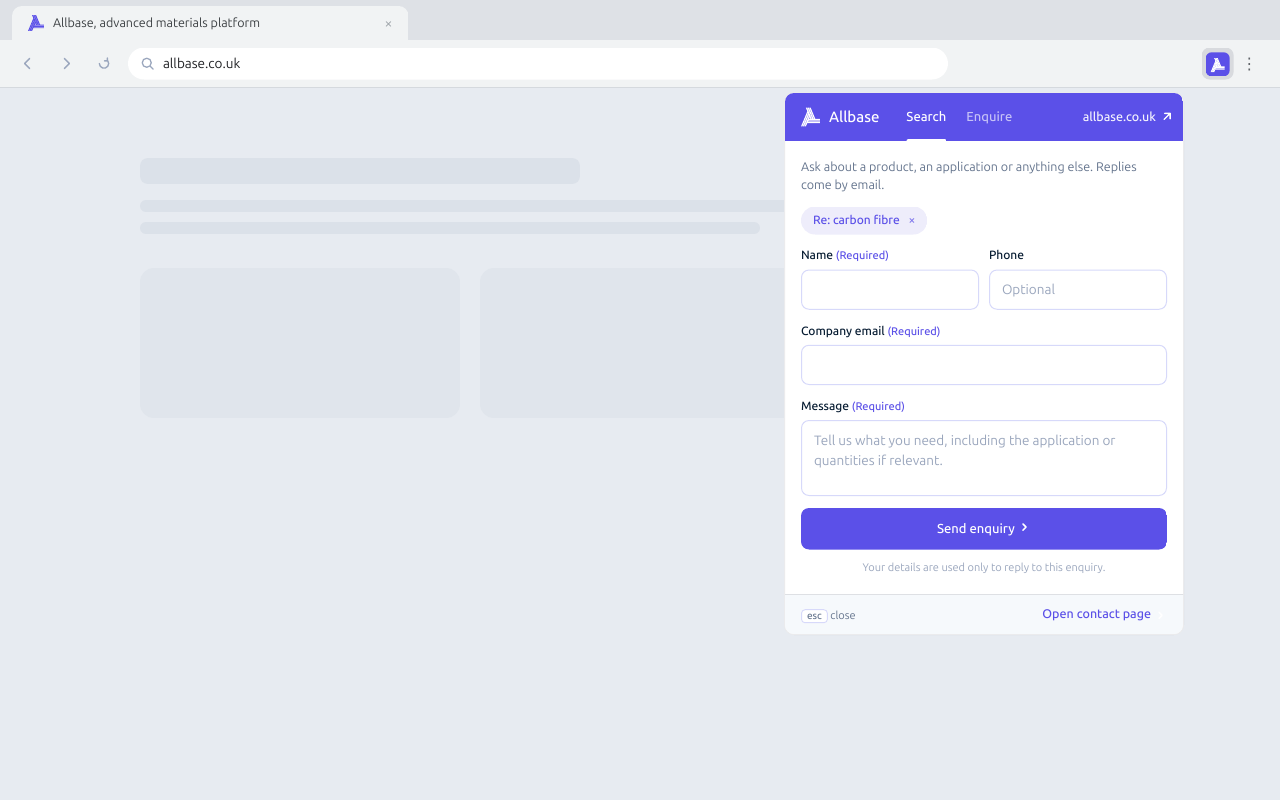
Two shortcuts make it quicker. Selecting Enquire on a product result carries that product into the message automatically. When a search returns nothing, the search term itself can be sent as an enquiry, so an unusual specification reaches someone who can answer it rather than ending at a blank screen.
What it collects
Searches are sent to allbase.co.uk to return results and are not stored by the extension. Personal details are collected only when an enquiry is submitted, and are used solely to reply to it. The extension does not read or change the pages being browsed.
Getting it
Installation takes under a minute from the Chrome Web Store, and the extension works in Chrome and Chromium-based browsers including Edge, Brave and Opera. No account is needed.
Further detail is on the Companion page, and the support guide covers day-to-day use and troubleshooting.